




 Administration, you gotta love it, we do!
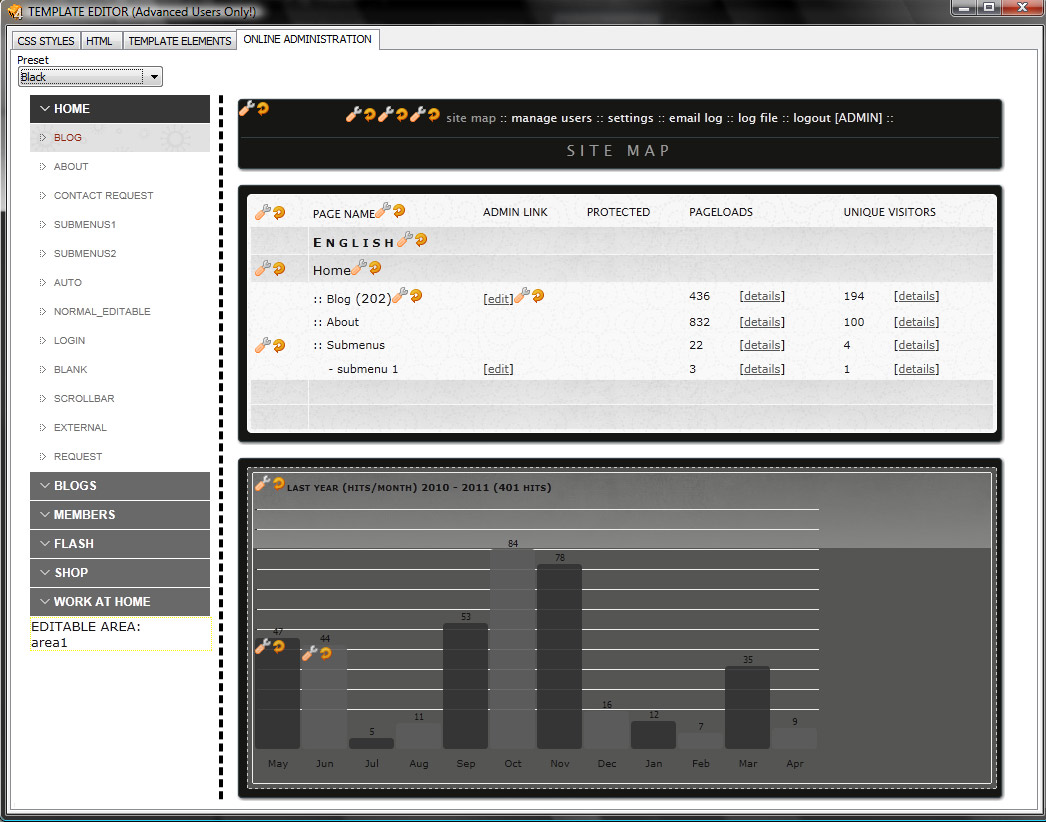
The Central Admin panel has been given a facelift in EZGenerator 4.
Set password-protected pages, change the layout (skins) by choosing the style (click on the online administration button in project settings).
Click image to the left for a closer look.
Click the thumbnail below to see how users are given permissions for online pages and granted access to others.


